Add a rate schedule
Last updated March 6, 2026
Select the vendor in the Vendors and Rates module to create a new rate schedule.
Open the Actions menu and select Create Rate Schedule.
The Vendor field fills in automatically.
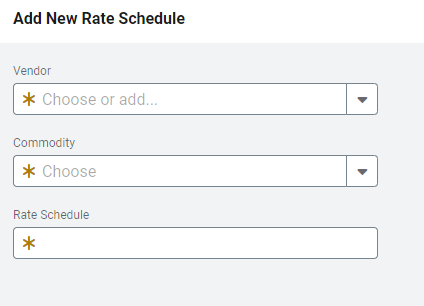
New Rate Schedule form
Vendor: Choose a vendor or add a new vendor if needed.
Commodity: Choose the commodity.
Rate Schedule: Enter the rate schedule as specified on the utility bill.